

Real-time map
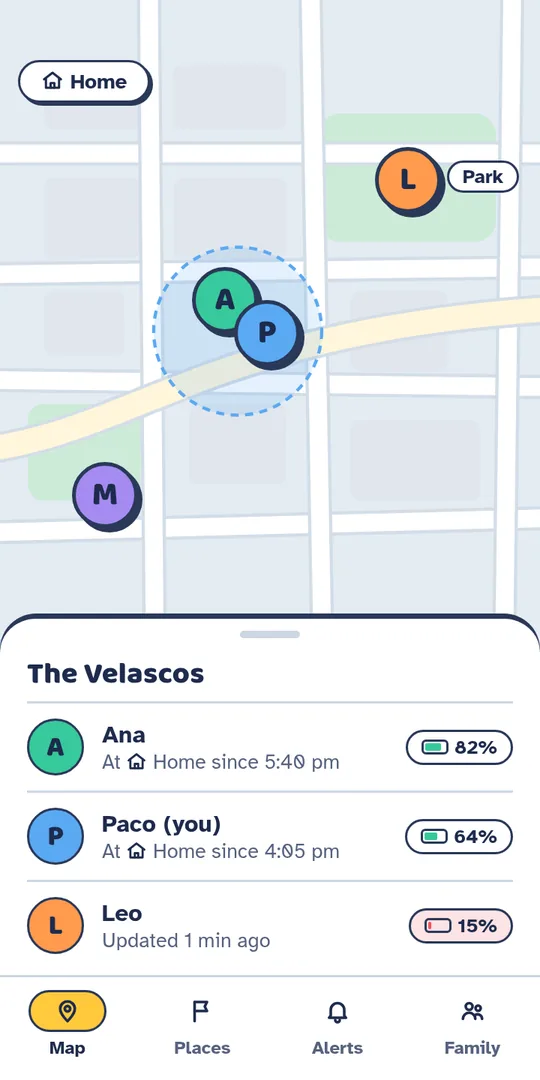
Where everyone is right now, with their battery level and whether they are charging.
AndroidBeta in testing
FamilyPin shares location with your loved ones with no accounts and everything encrypted on the phone. The server stores the data but cannot read it. Neither can we.
Beta for testers: only people on the list can install it. Email us at familypin.antihero412@passinbox.com and we’ll add you.
What your family sees: names, places, battery and the live map.
How it works
No forms, no email and no passwords to remember.
Open the app and give it a name. Your phone generates the family key, which never leaves your phones unencrypted.
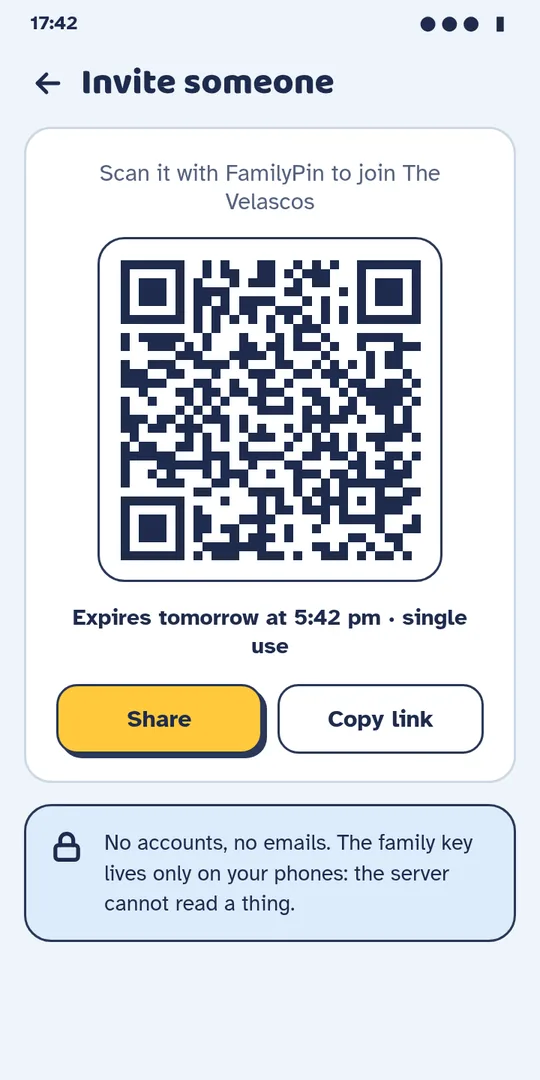
Each invite works for one person only and expires in 24 hours. It is the only way in.
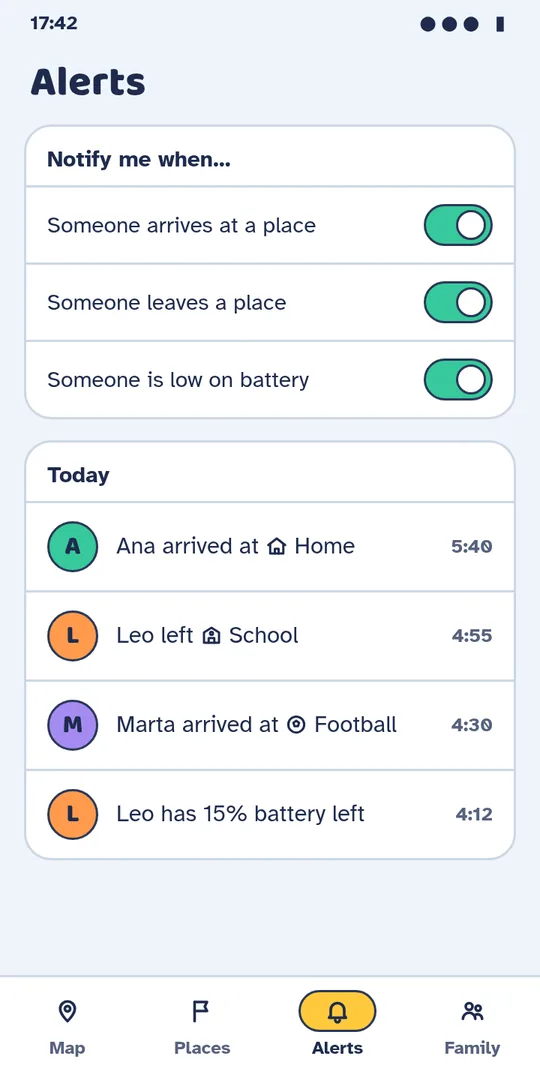
Everyone shows up on the map with their battery level, and you get alerts when they arrive at or leave the places that matter.
Features
Made for everyday life: knowing they got there safely without having to ask.
Where everyone is right now, with their battery level and whether they are charging.
Home, school, practice… Get an alert when someone arrives or leaves.
Get an alert when someone is running low on battery, before they drop off the map.
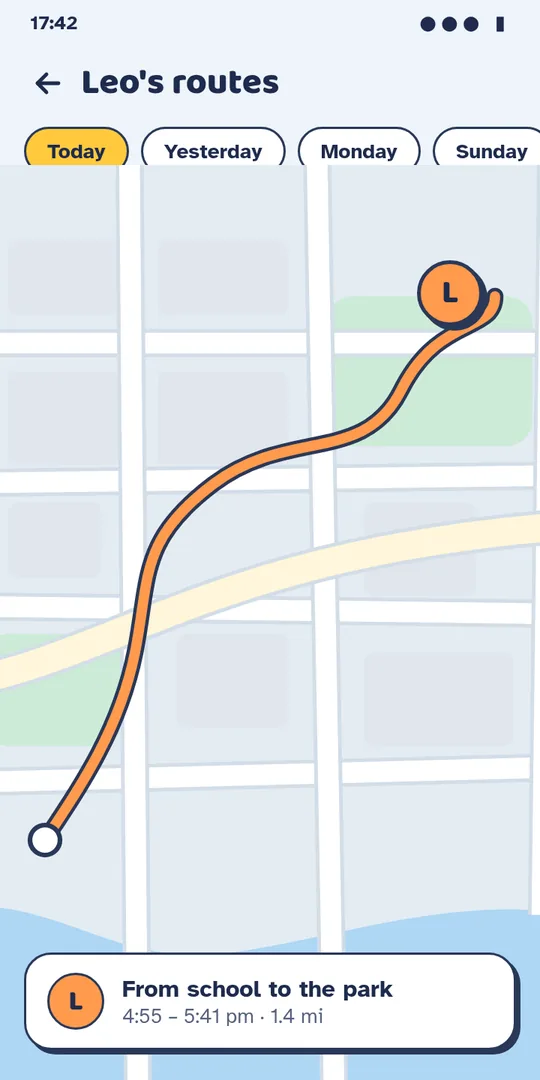
Everyone chooses who can see their trips (by default, the owner and admins). Older days are kept only on their phone for 90 days and fetched on demand.
Owner, admins and members. The owner can hand over ownership, appoint admins or remove someone.
Pause your location from the app whenever you like. Your family will see that you are paused.
Privacy
Everything is encrypted on your phone before it leaves. The server passes sealed packages between your family’s phones without being able to open any of them.
Names, location, battery and places are encrypted with the family key.
It receives sealed packages. It has no key, so it cannot read them.
Only your family’s phones hold the key to open them.
Older routes are requested from their owner’s phone, which sends them encrypted for you only.
It never sees names, locations, places or routes.
Read the full privacy policy.
Screenshots
This is how FamilyPin looks on your phone.
FAQ
Because we don’t need to know who you are. When you open the app, your phone gets a random identifier that isn’t tied to your email or phone number. All it takes to join a family is an invite.
No. Everything you share is encrypted on your phone with XChaCha20-Poly1305 before it is sent, and only your family’s phones hold the key. The server stores the data but cannot read it, and neither can we.
Show them a QR code from the app or send them a link. Each invite works for one person only and expires in 24 hours, so a leaked link isn’t much use.
You decide. By default, the family owner and admins. Older routes are not on the server: they are kept only on your phone for 90 days, and if someone with permission asks for them, your phone sends them encrypted for that person only.
Their profile, location and today’s route are deleted, and the family key changes so they can’t read anything new. The same happens if someone is removed.
Yes. You can pause it from the app whenever you like, and your family will see that you are paused. You can also revoke the permission in your phone’s settings.
No. FamilyPin has no ads, no analytics and no trackers, and we never sell or share data with anyone. This website doesn’t load anything from third parties either.
Encrypted data is stored in Google Firebase (Firestore) in the European Union, region europe-west1. Maps come from OpenStreetMap, served by OpenFreeMap, which only receives the map area you are looking at.
FamilyPin is in testing on Google Play for Android. If you are on the testers list, install it with the “Get the beta on Google Play” button. To be added to the list, email us at familypin.antihero412@passinbox.com. There is no iPhone version for now.
Spanish, English, French, German, Italian and Portuguese. You choose the language on the first screen and can change it later in the Family tab.
From the app itself: leave the family or, if you are the owner, delete it entirely. The steps are on Delete your data.

FamilyPin is in testing on Google Play. Want to try it, or have a question? Write to us at familypin.antihero412@passinbox.com
Get the beta on Google Play (opens in a new tab)Only people on the testers list can install it.